 Aviation AppConcept
AeroRoster Crew
The roster, duties and documents in every crew member's pocket.
The crew companion app to AeroRoster: personal roster, duty details, licence and currency reminders and a legal-checked swap board.
- Category
- Aviation · Crew App
- Designed for
- iOS & Android
Why AeroRoster Crew exists
The problem
Crew get their roster as a PDF or a web page that does not work in a hotel lobby, and track their own licence expiries in notes apps.
The product
AeroRoster Crew puts duties, crew lists, documents and legal-checked swaps on the phone, and keeps working offline.
Built for: Pilots and cabin crew at operators using AeroRoster.
- Personal roster with next-duty card
- Duty detail with sectors, crew and weather
- Licence, medical and training reminders
- Swap board with legality checks built in
- Works offline and syncs when back online
- Push alerts for roster changes and call-outs
Walkthrough
Everything Before Report Time, On One Phone
Designed for a 5am report: next duty, sectors, crew and weather first, everything else one tap away.
- 01
My Roster
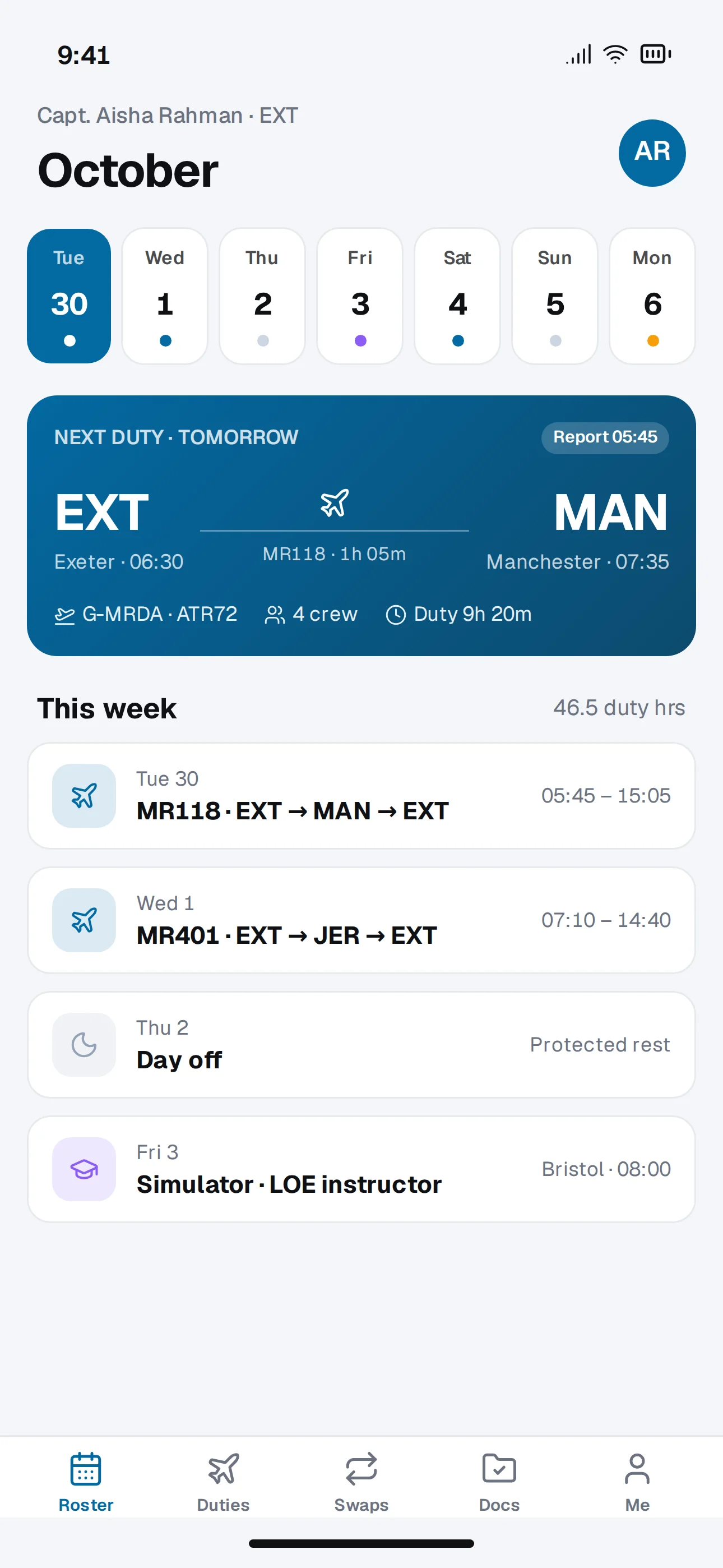
The week at a glance with the next duty up front: route, times, aircraft and duty length.
- 02
Duty Detail
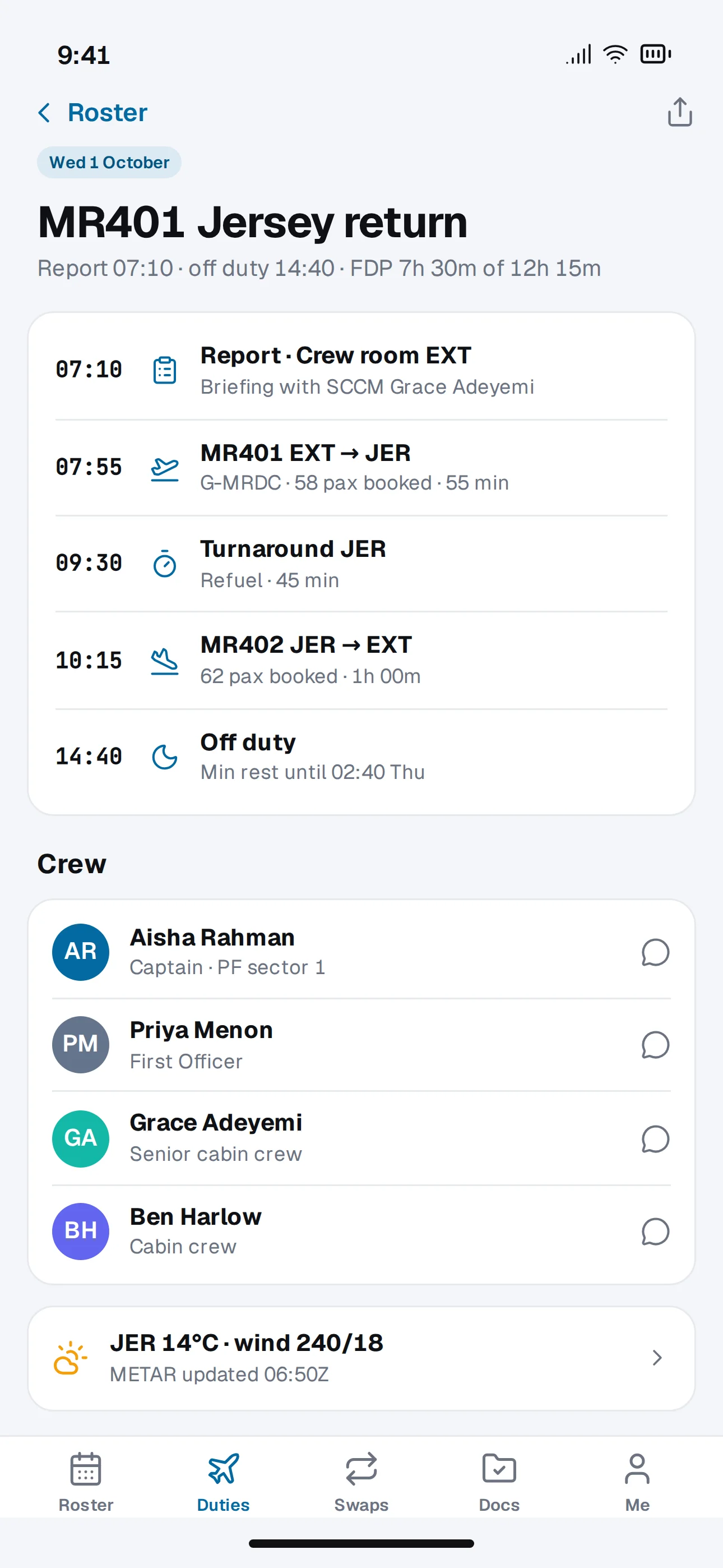
Report time, each sector, turnaround, off-duty time, the rest of the crew and destination weather.
- 03
Documents & Currency
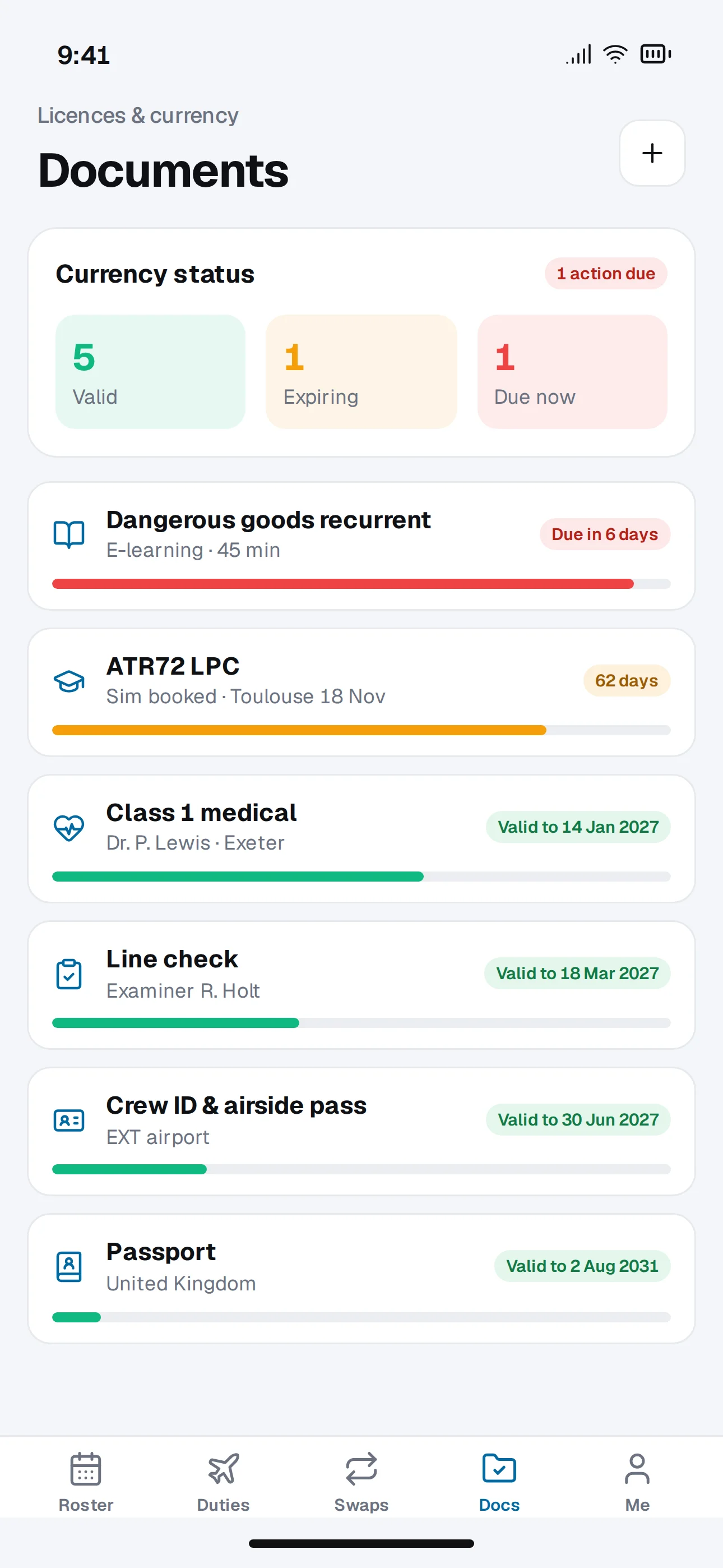
Licences, medicals, checks and training with expiry countdowns and reminders.
- 04
Swap Board
Offer or request swaps; each one shows whether it is legal for you before you send it.
Every screen
The full experience.
What makes it different
Reliable Where Crew Actually Are
Rosters and documents are stored on the device and sync in the background, so a dead zone never means a missing roster.
Offline First
The latest roster, duty details and documents are always on the phone.
Change Alerts
Roster changes and call-outs arrive as push notifications and must be acknowledged.
Legal Swaps Only
The same rules engine as crew control checks every swap before it is submitted.
Secure Access
Biometric unlock and remote sign-out if a phone is lost.
How it’s built
The technology stack.
The architecture we would build this on today, and why each piece earns its place.
- Mobile app
React Native with Expo · TypeScript
One codebase for iOS and Android with native performance
- Offline data
SQLite on device with background sync
The app keeps working with a weak or no signal
- API
NestJS on Node.js · PostgreSQL
Shared business rules with the web platform
- Notifications
APNs and FCM via Expo push
Timely alerts without a third-party marketing SDK
- Security
Biometric unlock, encrypted local storage, remote sign-out
Rosters and personal documents stay protected if a phone is lost
- Release
EAS Build, over-the-air updates, staged store rollouts
Fixes reach users in hours, not store-review days
More inside
The Crew Room In Your Pocket.
What crew check before, during and between duties.
Crew Messages
Messages from crew control and the rest of the crew for each duty.
Call-Out Alerts
Standby call-outs with one-tap acknowledgement.
What comes next
On the roadmap.
What a second release would add once the first one is in real users’ hands.
- 01Calendar sync to personal calendars
- 02Hotel and transport details per night-stop
- 03Expense capture for allowances
- 04Apple Watch complications
- 05Leave requests
Concept project
Need Something Like This?
This is concept work: the product design, screens and architecture we would start from. If your business needs a mobile companion for a field or flight workforce, we can scope a first release with you, usually within a week.
Next project
Nestora
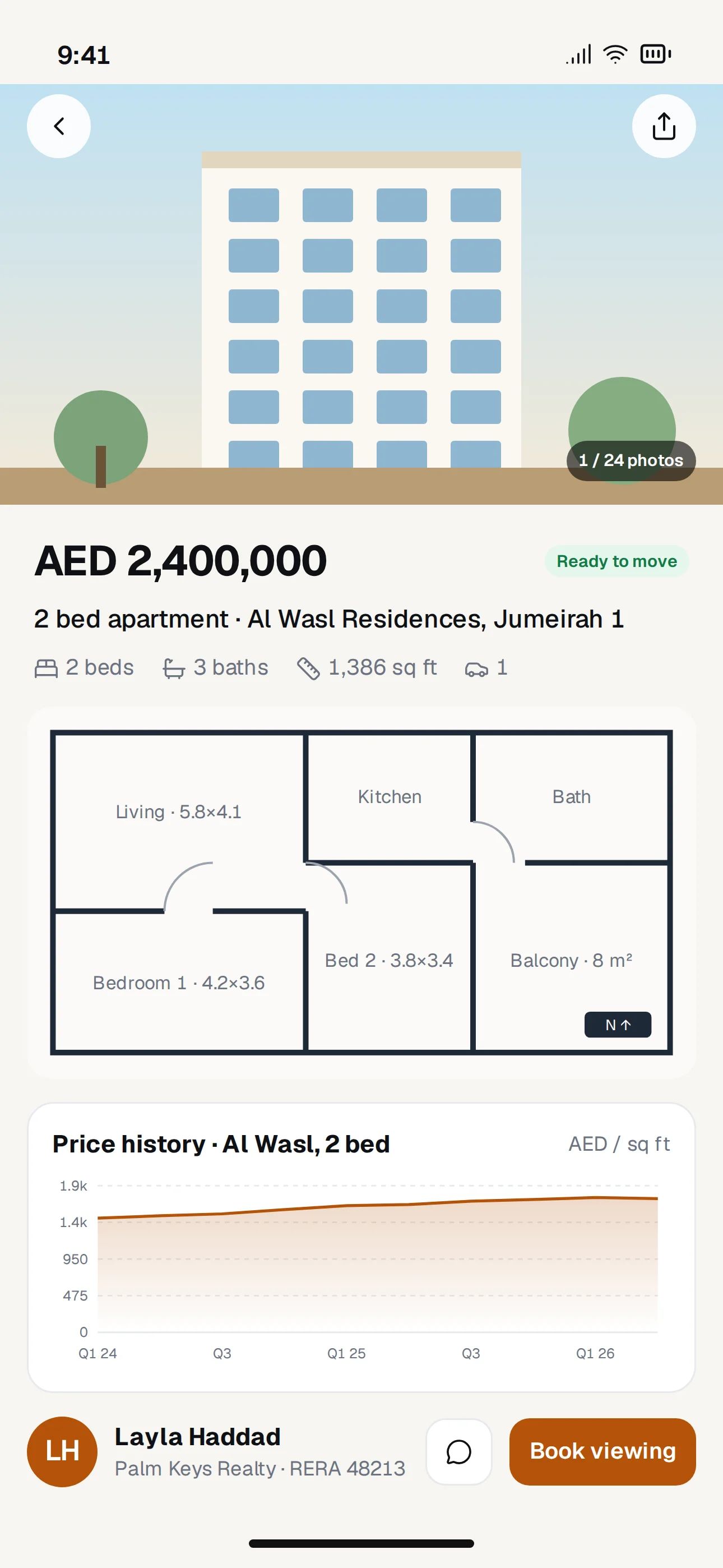
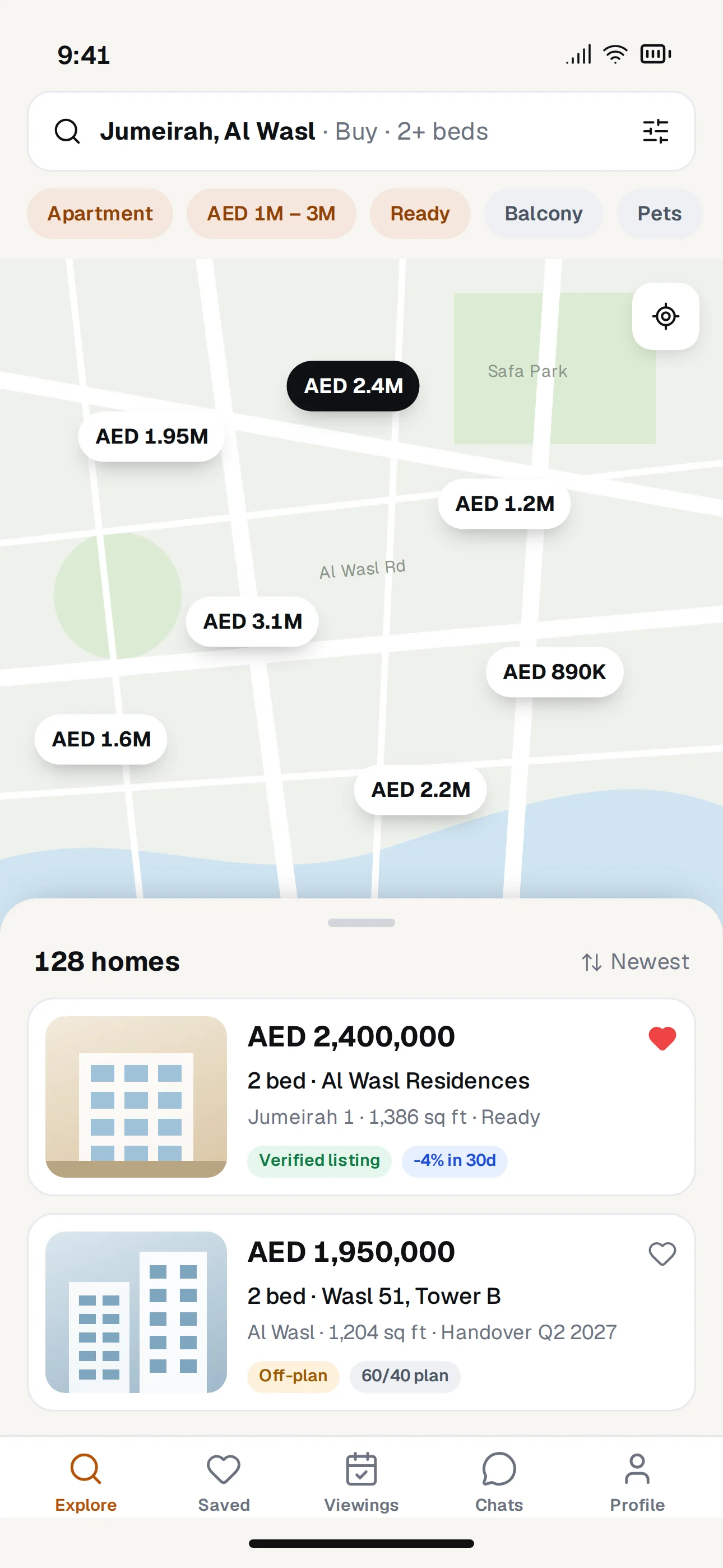
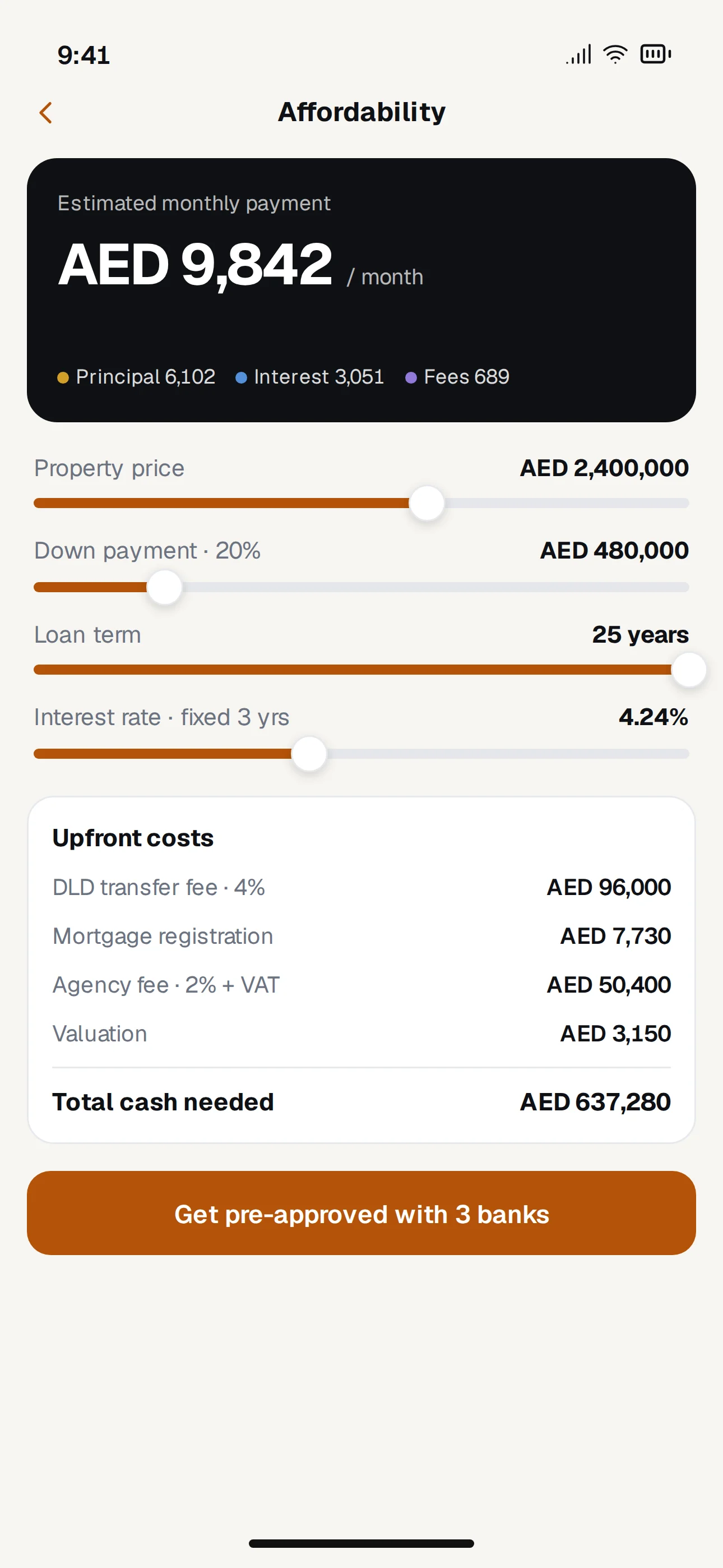
Property search with the numbers buyers actually need.